Resolving Override Conflicts
When an override you're posting overlaps with other classes at the same date and time — across any of your schedules — Helperly shows you those conflicts before you confirm, so one closure notice can cover all of them at once.
How it works
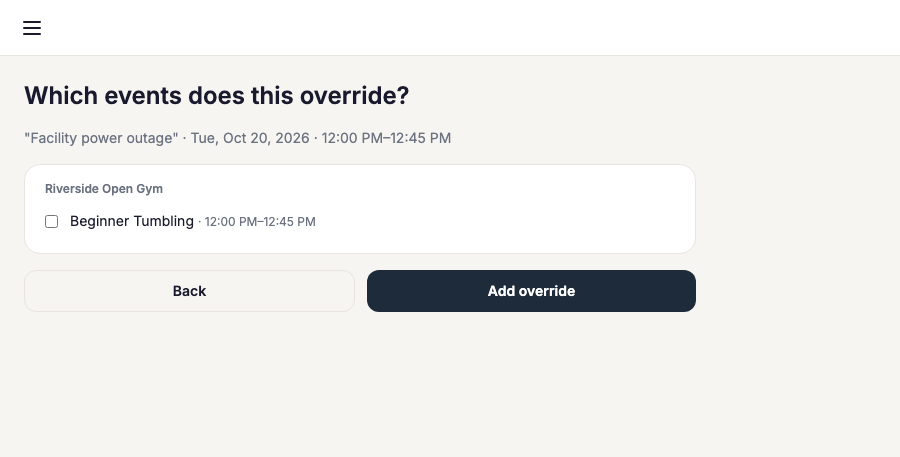
Post an override as usual — pick the date, time, and label. If other classes occur in that same window, a conflict picker lists them, grouped by schedule, each with a checkbox. Select the ones this override should also replace.
One override, multiple classes
Selecting several conflicting classes creates one override per schedule — so, for example, "Facility closed 6pm-8pm" can suppress both a TKD class and a gymnastics class in the same action instead of requiring a separate override for each. If nothing overlaps, the picker simply shows no conflicts and you can confirm right away.
Closing for longer than a single class window? A closure is usually a better fit than picking conflicts by hand.