Posting Overrides
Posting a "no class" or themed-class change takes less time than typing a GroupMe message — and every subscribed parent sees it automatically.
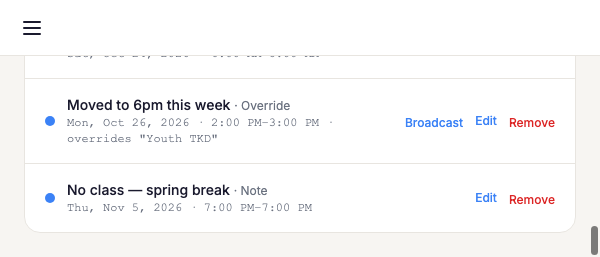
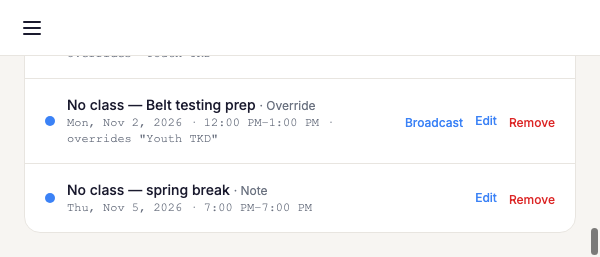
From a published schedule, open the class you want to change and post an override — for example "No class Thursday, July 4th." It replaces just that one occurrence; every other date keeps the regular recurring schedule.
Video: Posting an override — 60 seconds