Co-Parent Access
Invite a second parent or guardian so both of you see the same calendar and get your own independent reminders.
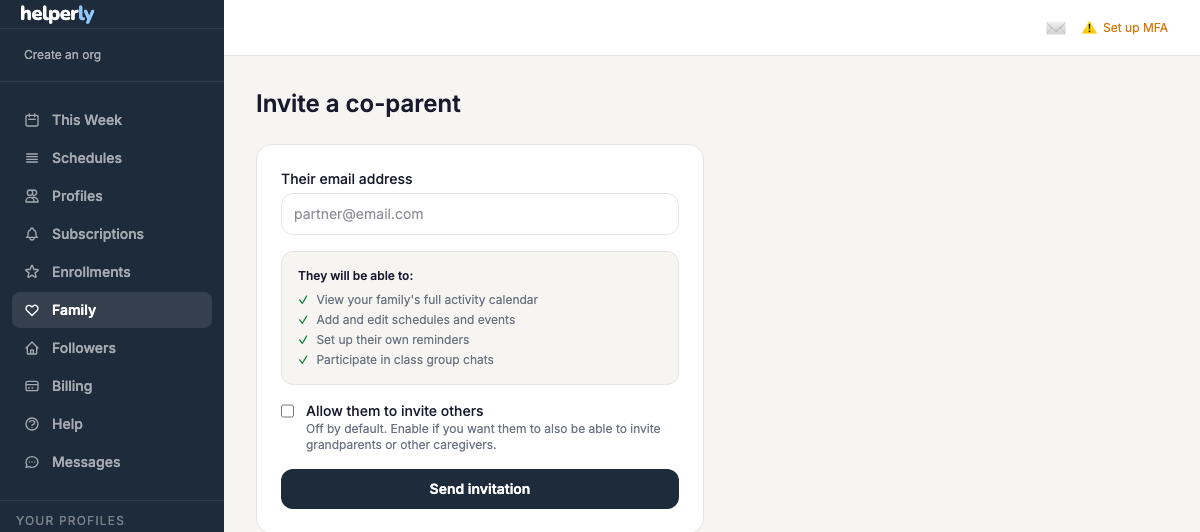
- 1. Send an invite — enter the co-parent's email from the Family page.
- 2. They accept — the invite link lets them create or link their own account.
- 3. Both of you see everything — the shared calendar, profiles, and schedules stay in sync automatically.
- 4. Reminders are independent — each parent controls their own reminder preferences.
Video: Setting up co-parent access