Reminders & Notifications
Set up a reminder once, and Helperly sends it automatically — specific to the profile, the activity, and the location — so there's nothing to remember to check.
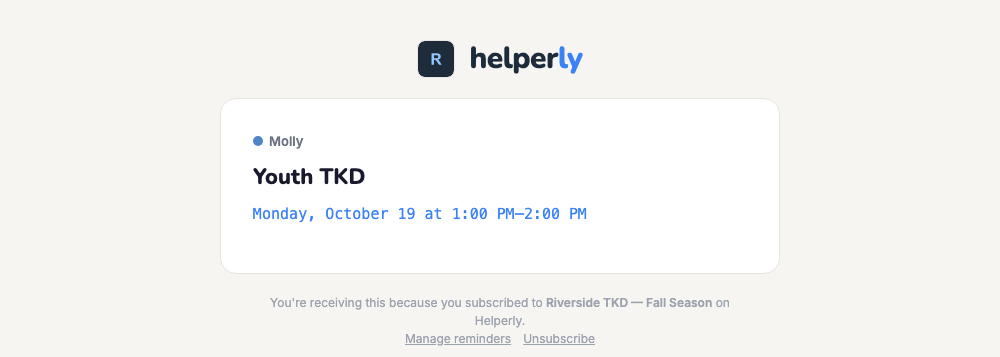
A typical reminder reads: "Will's swim practice is tomorrow at 7am — Sunrise Aquatics, Natatorium B." After subscribing to a schedule, open the subscription and choose when you want to be reminded — 1 day, 2 hours, 1 hour, or 30 minutes before — and each parent on a shared calendar sets up their own copy.
Web push notifications are also available if you've installed Helperly as an app on your phone or desktop, for a reminder that lands right on your lock screen.
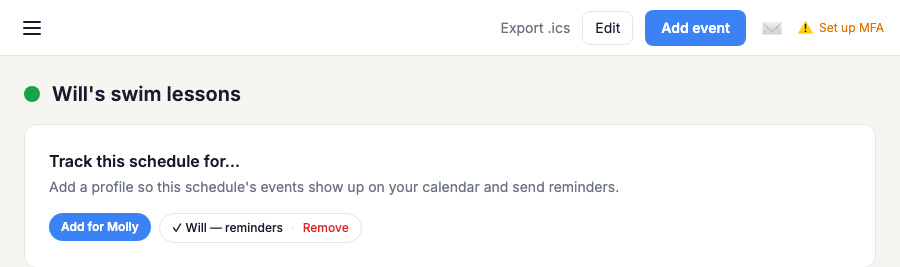
Taking a break from an activity? Open the schedule and click Remove next to a profile's name in the "Track this schedule for…" section — that stops their reminders and clears the activity from their calendar without affecting anyone else tracking the same schedule. You can add them back the same way whenever they pick it back up.